Panda Express Menu Nutrition
Browse source-backed menu groups by category, compare their official serving variants and calorie ranges, then open any available row in the calculator.
- Source
- Official nutrition table
- Captured
- 2026-08-17
- Coverage
- 179 rows
- Calculator
- 178 selectable
Browse the nutrition menu
Images are copied from a dated official location menu; availability is not implied.
Sides
10 official nutrition rows
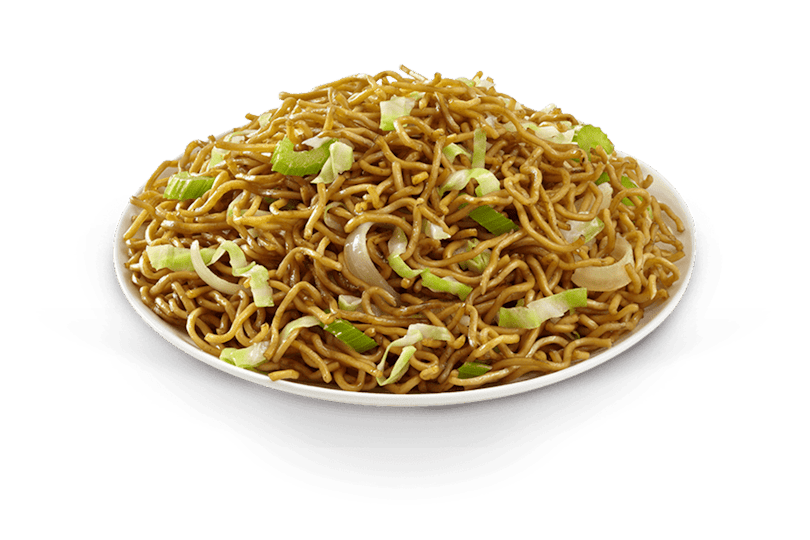
Vegetables
4 official nutrition rows
Chicken
16 official nutrition rows

Chicken Breast
8 official nutrition rows
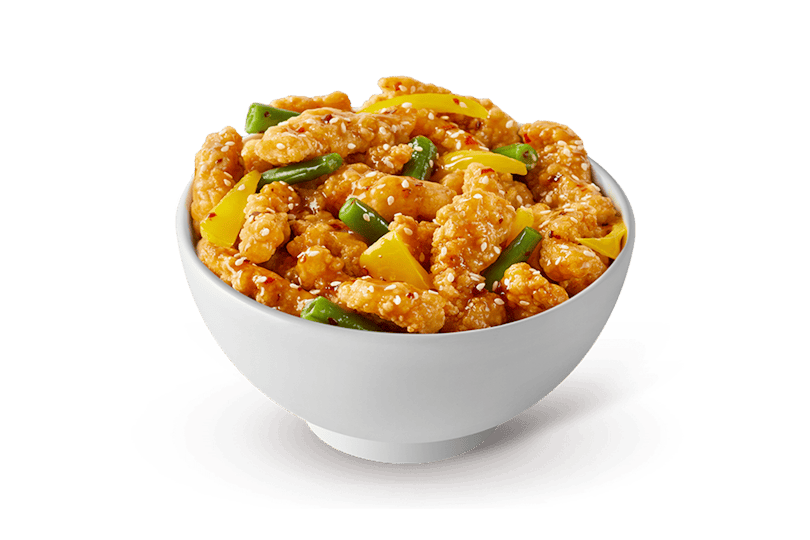
Beef
6 official nutrition rows
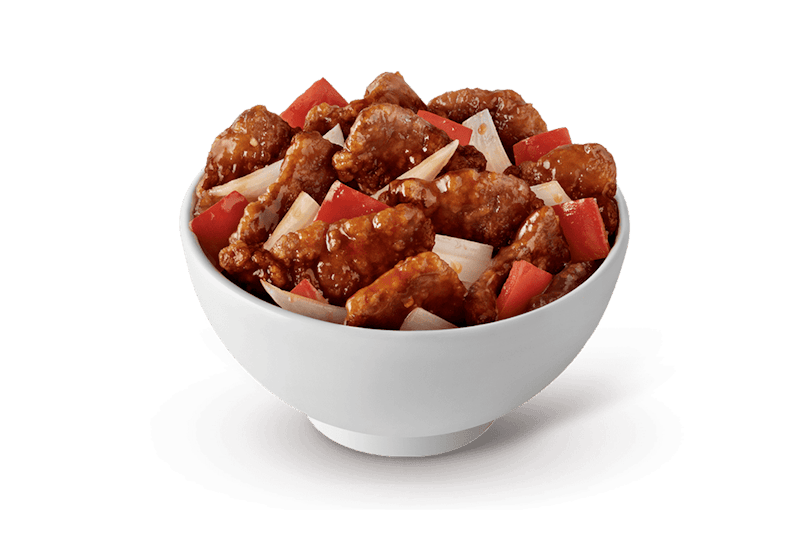
Seafood
6 official nutrition rows
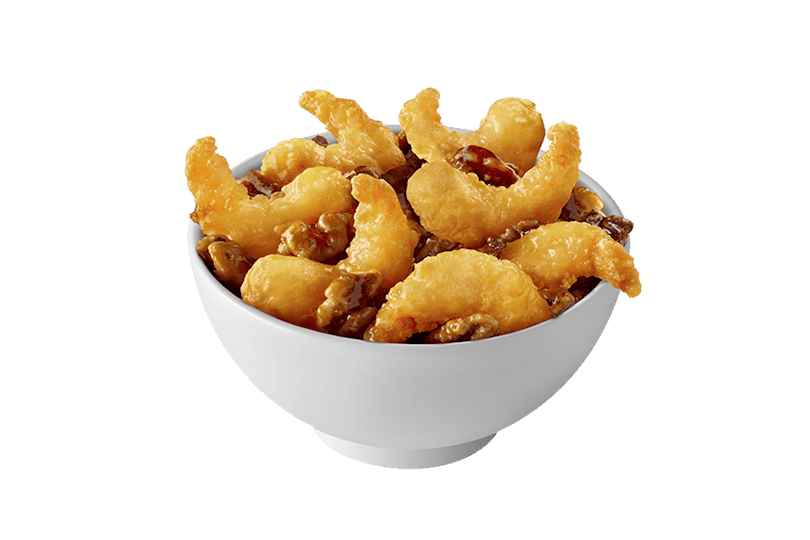
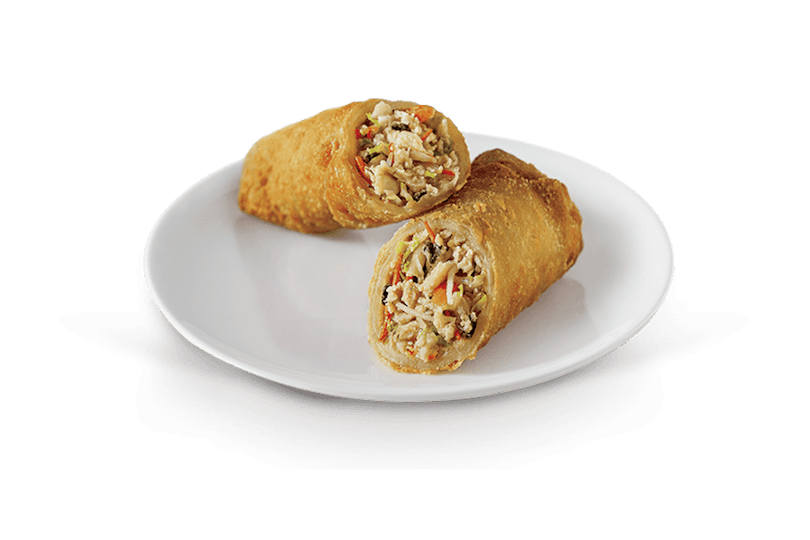
Appetizers
4 official nutrition rows
Cub Meals
3 official nutrition rows
Cub Meals
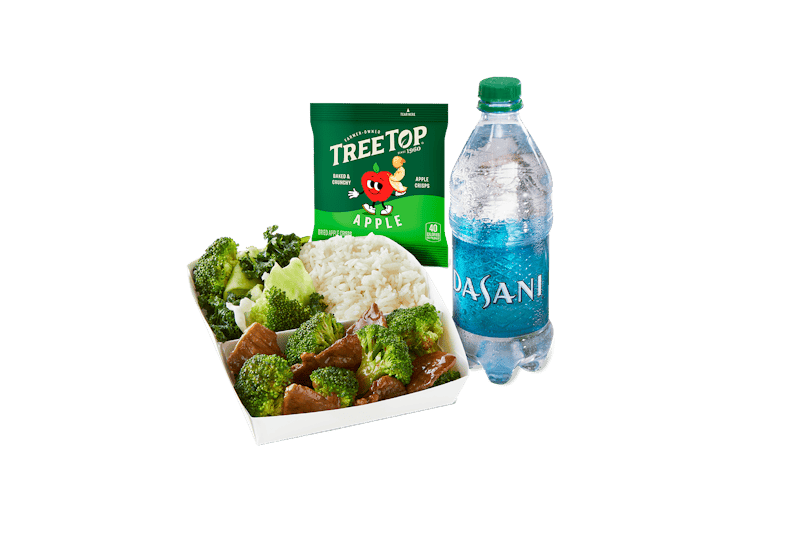
Broccoli Beef Cub Meal (white rice, super greens, broccoli beef, apple crisps, bottled water)
1 available serving
300 cal Open in calculator
Cub Meals
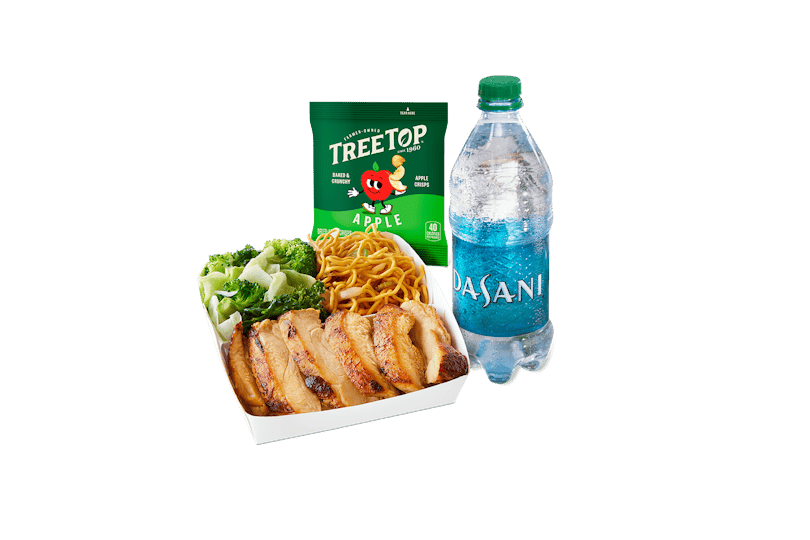
Grilled Teriyaki Chicken Cub Meal (chow mein, super greens, grilled teriyaki chicken, apple crisps, bottled water)
1 available serving
400 cal Open in calculator
Cub Meals
Orange Chicken Cub Meal (white rice, super greens, orange chicken, apple crisps, bottled water)
1 available serving
580 cal Open in calculatorMore
9 official nutrition rows
Soup
2 official nutrition rows
Beverages
111 official nutrition rows
No menu items match those filters.
Source and safety notes
Read these notes before using the totals for meal planning.
Nutrition can vary
Food is prepared by hand in small batches. Suppliers, portions, preparation, equipment, region, season, and ingredient variation can change actual values. Availability and limited-time items also vary.
Allergen cross-contact
Panda Express identifies wheat, soy, tree nuts, fish, peanuts, shellfish, eggs, milk, and sesame in its nutrition table. Shared cooking equipment means cross-contact is possible; a false flag does not guarantee an allergen-free item.
MSG and beverages
Panda Express states that it does not add MSG, while some ingredients may contain naturally occurring MSG. Fountain drink values are approximate and can change with ice, cup fill, equipment, and water sodium.
Independent information
This calculator is informational, not medical or dietary advice. Confirm current nutrition, ingredients, allergens, and availability with Panda Express before ordering.
A source-backed browsing guide
How to browse the Panda Express menu with nutrition context
The Panda Express menu directory above is designed for the moment before you build a meal total. It lets you scan official nutrition categories, find a familiar dish or beverage, compare captured serving variants, and move an exact row into the calculator. This guide explains what those cards mean, how to compare a complete order, and why a dated nutrition menu still needs a final check against current Panda Express information.
What this Panda Express menu directory shows
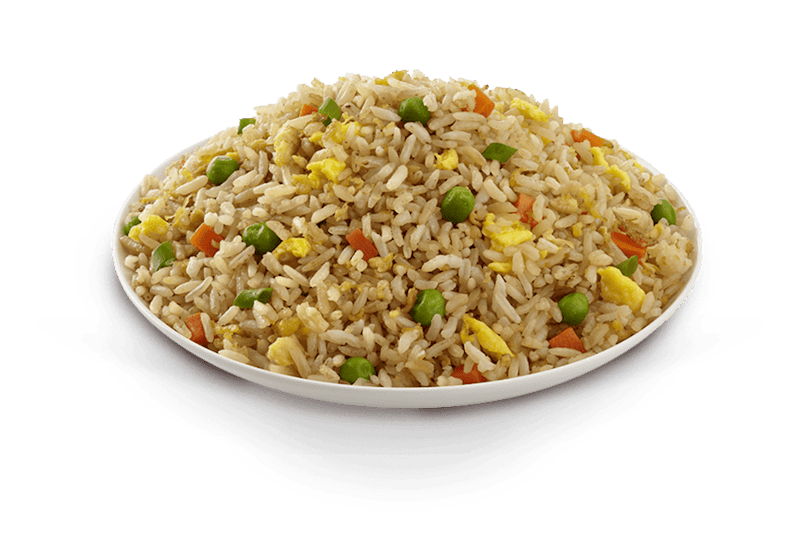
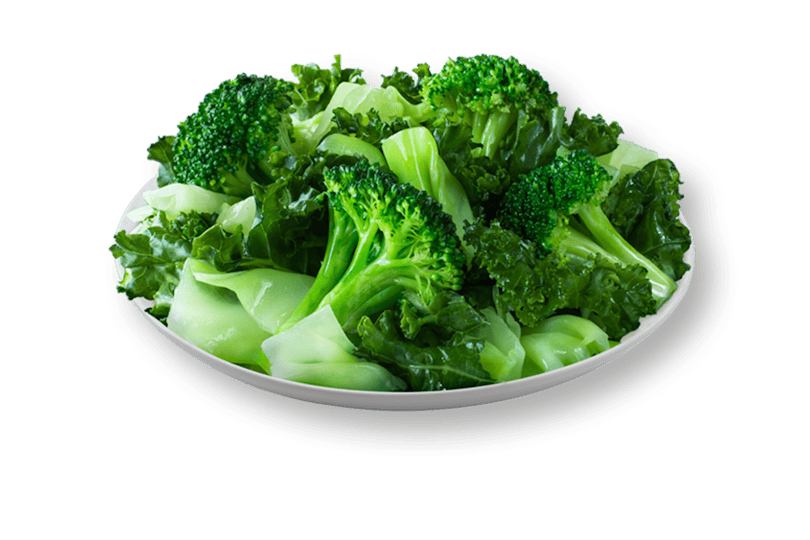
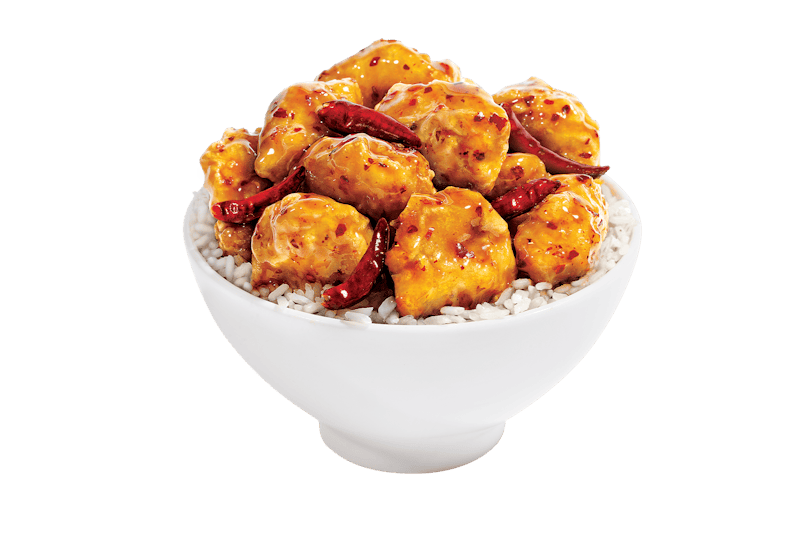
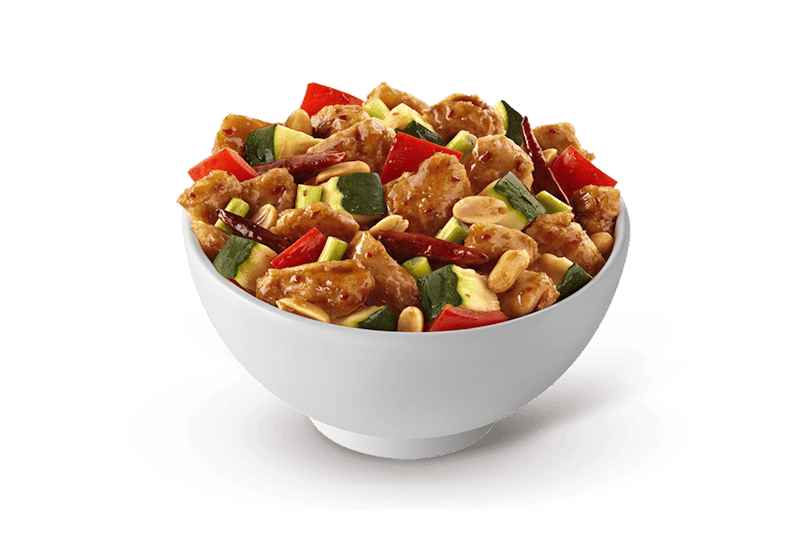
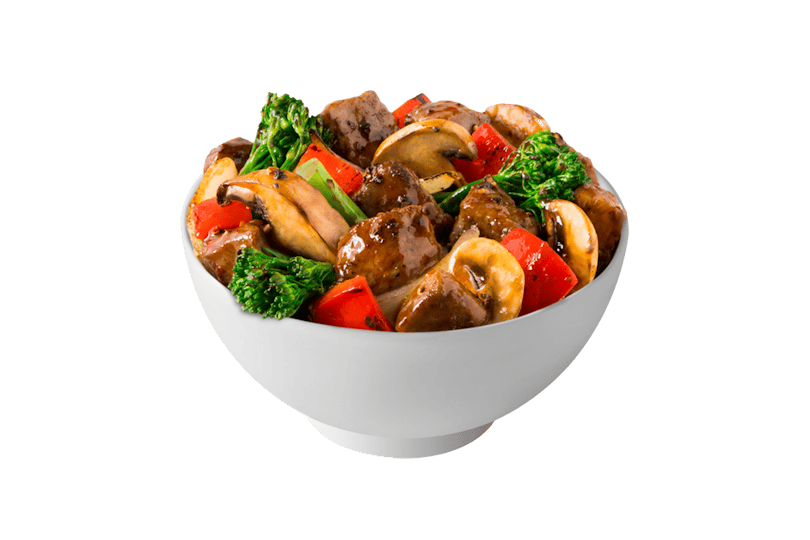
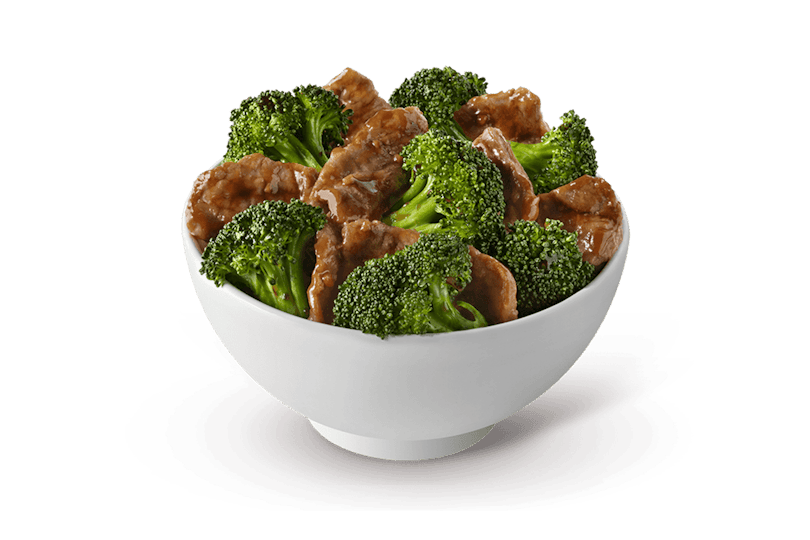
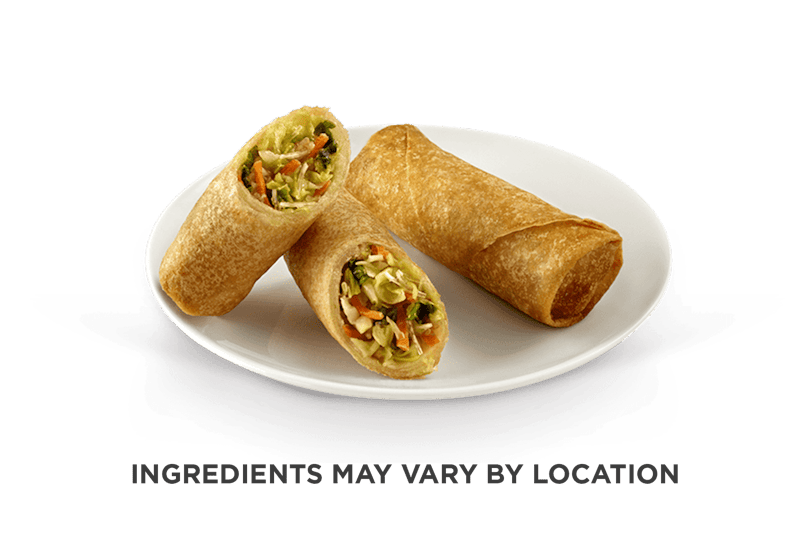
This directory is a view of the nutrition dataset, not a copy of a live ordering screen. It turns individual source rows into grouped menu cards so a visitor can browse names without scrolling through a wide table. Each card keeps the source category, grouped item name, number of selectable servings, calorie value or range, and a link to the first available calculator row. When a reviewed local image exists, the card displays it; otherwise, a consistent initials block preserves the layout without requesting a remote image.
Grouping improves discovery while preserving the underlying rows. A beverage can have several cup sizes, a familiar name can have a kids or meal variant, and a source label can describe a combination rather than one standalone component. The card summarizes those related possibilities, but it does not blend their nutrient values into a made-up average. The calculator and Nutrition table continue to address each selectable row separately so the portion and serving label remain part of every comparison.
The page intentionally leaves out prices, checkout, delivery promises, restaurant stock, and claims that every captured item is nationally available. Those details can change by location and time, whereas the local dataset represents a reviewed official nutrition table captured on one date. The useful promise here is narrower: you can see exactly what the snapshot contains, understand its menu organization, and follow a traceable path from a card to the calculation row behind it.
How the Panda Express menu cards and calorie ranges work
The directory starts with every normalized source row and groups only rows that share the plugin's stable group identifier. The category filter controls which sections are visible, while the search field compares your phrase with the item name, category, and serving labels. Neither control changes the data or the calculator. Clearing the filter restores the full directory, and an empty result simply means the current words and category do not match a captured group.
For a group with one calorie-bearing serving, the card shows one calorie number. For a group with multiple selectable rows, it shows the minimum and maximum captured calories as a range. That range is a browsing shortcut, not a prediction that your order will land somewhere in the middle. To choose a value, open the group in the calculator, read the active variant and portion, and switch to the exact serving that best matches what you plan to order.
Open in calculator uses a deep link to carry the first selectable row into the primary tool. The calculator then highlights that source row but does not silently add it to a meal. This deliberate pause lets you confirm the serving before selection. It also keeps browsing and calculation separate: the Menu page helps you find a candidate, while the calculator requires an explicit choice before it changes the total.
Step-by-step: browse the Panda Express menu and compare a meal
A reliable comparison moves from broad discovery to an exact serving. The following workflow keeps the card summary, calculator row, and current restaurant information in their proper roles.
Start with a category or a name
Choose one of the official nutrition categories or search for a source-backed name such as Orange Chicken, Chow Mein, Super Greens, tea, or lemonade. A name in this snapshot is a comparison candidate, not a promise that your selected restaurant has it today.
Read the card as a summary
Check the category, available-serving count, and calorie label. If the card shows a range, expect more than one captured row and avoid treating the midpoint as a serving value. If nutrition is unavailable, the page keeps that status visible instead of showing zero.
Open and confirm the serving
Follow Open in calculator, then read the active variant and portion. Change the variant when another size or format is closer to your planned order. The deep link finds the group; your confirmation chooses the row that should participate in arithmetic.
Add every separate part
Add the entree, base or side, appetizer, sauce or other row, dessert, and beverage you intend to include. A single card rarely describes a whole visit. Keeping each selected row visible makes it easier to identify what changed when two possible orders have different totals.
Set quantities from servings, not guesses
Use quantity to represent how many listed servings are included. A shared container, a family order, and two individual servings are not automatically equivalent. If your real portion differs from the source serving, treat the calculator result as a planning estimate and keep that uncertainty visible.
Verify the current menu before ordering
Compare the displayed capture date with the official Panda Express nutrition page and check the restaurant menu for current availability. Ask the restaurant directly about ingredients, substitutions, and preparation when those details matter. The final check is especially important for limited-time items or allergy-related decisions.
Panda Express menu categories in the nutrition snapshot
Categories make a large directory manageable, but they are source labels rather than dietary ratings. Use them to locate comparable rows, then read the exact serving and nutrient fields before drawing a conclusion.
Sides and vegetables
Sides contain captured bases and accompaniments, while Vegetables keeps the official vegetable-labeled rows together. These categories are useful when a meal comparison changes the base or adds a separate vegetable serving. Do not assume that a category label defines a complete ingredient list, portion, preparation method, or health outcome.
Chicken and chicken breast
The source separates Chicken from Chicken Breast, so the directory preserves that distinction. Similar menu language does not make two rows interchangeable: sauce, coating, preparation, portion, and variant can affect the captured profile. Compare exact source rows rather than assigning one chicken value to the entire section.
Beef and seafood
Beef and Seafood provide their own groups for scanning source-backed dishes. When you compare them with a chicken row or a vegetable row, review serving context and the full nutrient total rather than judging from the category name. Availability, recipes, and restaurant preparation may differ after the snapshot date.
Appetizers and soup
Appetizers and Soup are easy to overlook when estimating a complete order because they may be shared or added after an entree is chosen. Add the number of source servings you actually expect to eat. If a group is shared, the calculator cannot observe the split, so your quantity choice should document the assumption.
Cub Meals
Cub Meals are retained as combination-style source rows with their own labels. They should not be treated as smaller copies of a standard entree or reconstructed automatically from unrelated rows. Use the captured Cub Meal variant when it matches your question, and confirm current components through official restaurant information.
More and beverages
More collects source rows that do not fit the other food categories, while Beverages includes many drink names and sizes. Beverage values can depend on cup size, ice, fill, equipment, and water sodium. The large beverage section is one reason search and serving confirmation are more reliable than scanning for one generic drink value.
How to compare a complete Panda Express order
A menu card answers a product question; a calculator total answers a combination question. Begin with the meal you would realistically order and record every included row. Then create a second version by changing one variable, such as the base, entree, appetizer, beverage, serving, or quantity. A one-change comparison is easier to interpret than replacing the entire order at once because you can see which selection produced the difference.
Calories are a useful starting point, but they are not the only field the selected rows provide. Review total fat, saturated fat, trans fat, cholesterol, sodium, carbohydrates, dietary fiber, sugars, and protein when those fields help answer your comparison. Keep grams and milligrams distinct, and remember that the result describes the source servings you selected rather than the portion placed on a particular plate.
For a shared meal, model what each person expects to consume rather than multiplying the full order for everyone. For a drink or item with several sizes, select the label that matches the planned serving. For a row with missing nutrition, do not substitute zero or copy another item. The most honest comparison can include an unavailable value, a dated caveat, or a note that the restaurant needs to answer the remaining question.
Stay on Menu when you are discovering items. Open the calculator when you are combining exact servings and quantities. Use Nutrition when you need the raw portion, nutrient, allergen, threshold, or unavailable-cell context behind a row.
Panda Express menu source, freshness, and limitations
The nutrition labels behind this directory were normalized from a saved official Panda Express nutrition and allergen table captured on 2026-08-17. The generator preserves individual row names, categories, serving labels, portions, nutrient cells, allergen flags, blank cells, and less-than notation before the public directory groups related names. This gives each card a traceable source, but it does not turn the snapshot into a live connection to restaurant systems.
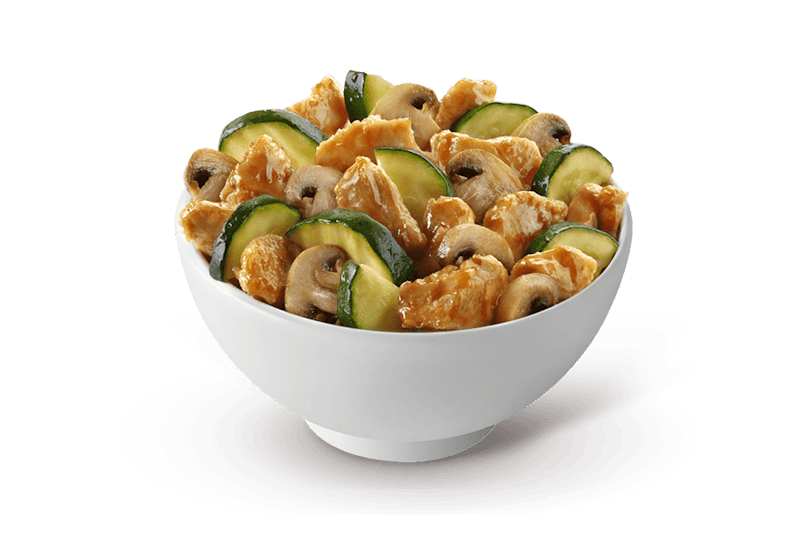
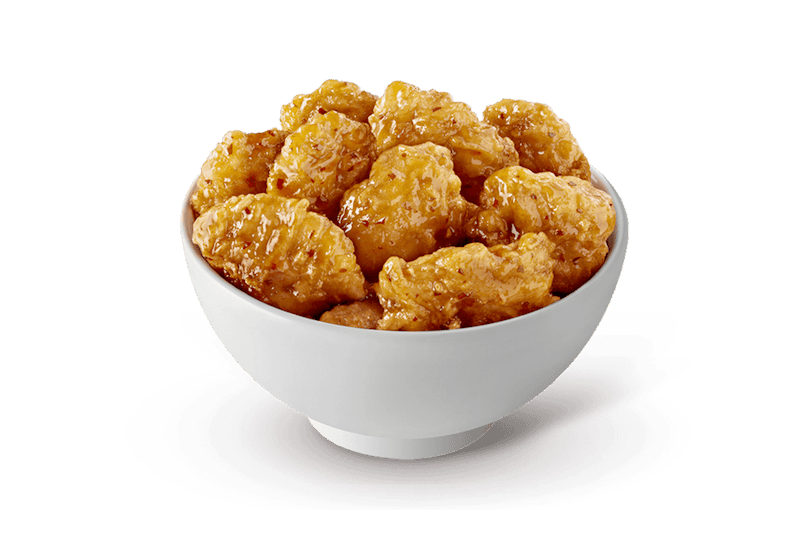
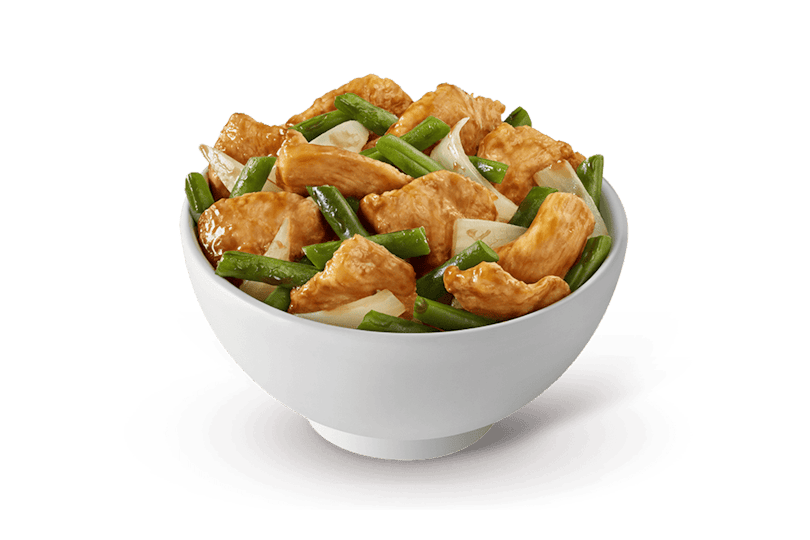
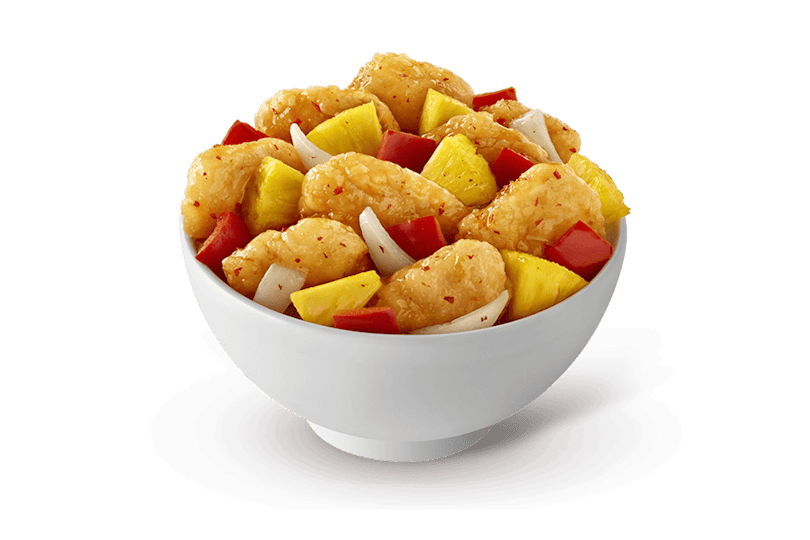
Selected food images were copied into the plugin from a dated official location menu. They support recognition only. A location menu can differ from another restaurant, and an item shown in an old snapshot can later be unavailable, revised, or replaced. The directory therefore avoids national availability and pricing claims. It also keeps an image fallback so a missing photo never causes the nutrition row itself to disappear.
Published nutrition can change with recipes, suppliers, portions, preparation, equipment, region, season, and limited-time offerings. Food prepared by hand can vary from a published value. Shared equipment can cause allergen cross-contact, and a negative captured flag is not an allergy-safety guarantee. Panda Express also notes qualifications for naturally occurring MSG and approximate fountain beverage values. Read the Nutrition page for the complete captured flags and qualifications.
This site is independent, informational, and not an ordering or clinical service. Use its menu structure to make a comparison explicit, then verify current nutrition, ingredients, allergens, availability, and preparation with Panda Express before relying on the result. That verification step is not a defect in the tool; it is how a dated reference stays honest about what it can know.
Snapshot used: 2026-08-17. Verify current Panda Express nutrition information
Panda Express menu FAQ
These answers explain this directory, its relationship to the calculator, and the limits of a dated menu nutrition snapshot. They do not make availability or safety promises on behalf of Panda Express.
What does this Panda Express menu page include?
This page groups the rows in the dated nutrition snapshot into a searchable menu directory. It covers sides, vegetables, chicken, chicken breast, beef, seafood, appetizers, Cub Meals, More, soup, and beverages. Each card shows the source-backed serving coverage and a calorie value or range, then links to an available row in the calculator. It is a nutrition browsing tool rather than a live restaurant inventory or ordering menu.
Is this the official Panda Express menu?
No. This is an independent menu nutrition reference and is not affiliated with or endorsed by Panda Restaurant Group. Its rows come from an official nutrition table captured on 2026-08-17, while selected images came from a dated official location menu. Use PandaExpress.com or contact the restaurant for the current menu, ordering choices, prices, ingredients, promotions, and local availability.
Why do some Panda Express menu cards show a calorie range?
A range means the grouped name has more than one selectable source row with different calorie values. Those rows may represent sizes, drink formats, kids servings, Cub Meal combinations, or another official variant. The card uses the lowest and highest available values for quick browsing; it does not average them. Open the item in the calculator and select the serving label that matches the order you want to compare.
Does the directory include every current Panda Express item?
No. The directory includes the 179 rows present in the reviewed nutrition snapshot, grouped for easier browsing. Limited-time products, regional dishes, newly released items, discontinued items, and restaurant-specific availability can differ from that snapshot. One captured Lemon Green Tea row has unavailable nutrition cells and remains visible for transparency, but it cannot be selected for a calculated total.
How should I use the Menu page with the calorie calculator?
Use the Menu page to discover categories, scan related items, and compare serving-level calorie ranges. Then choose Open in calculator on a card, confirm the active serving, and add every part of the planned order. The calculator is the place to combine quantities and review calories, fat, sodium, carbohydrates, fiber, sugars, and protein. The Menu page remains the faster overview when you are still deciding what to compare.
Do the menu images prove that an item is available near me?
No. The locally stored images were copied from a dated official location menu and are used only to make the nutrition directory easier to scan. An image is not evidence that every restaurant currently offers that dish, serving, or beverage. Items without a reviewed local image use a stable initials fallback. Check the official Panda Express site or your selected restaurant for present-day availability.
How are Cub Meals represented in this menu guide?
Cub Meals remain their own source-backed category rather than being merged into standard entree or side rows. A Cub Meal name can describe a combination row, so its serving context matters when you compare it with an individual dish. Select the exact captured Cub Meal variant in the calculator instead of adding a standard entree and assuming it represents the same portion or nutrition profile.
Can I use the Panda Express menu cards to choose an allergen-free meal?
No. Menu cards summarize calories and serving coverage; they do not certify allergy safety. The Nutrition page displays the captured flags for wheat, soy, tree nuts, fish, peanuts, shellfish, eggs, milk, and sesame, but shared cooking equipment can cause cross-contact. Ingredients and preparation can also change. Verify medically important details with Panda Express and the restaurant before ordering.
Why are prices and order buttons not included?
Prices, promotions, taxes, delivery options, and restaurant inventory are location- and time-sensitive, while this plugin uses a fixed nutrition snapshot. Mixing volatile commerce details into that snapshot would make the page look more current than it is. This site therefore concentrates on traceable menu nutrition comparisons and sends visitors to official Panda Express channels for ordering, price, location, and availability information.